

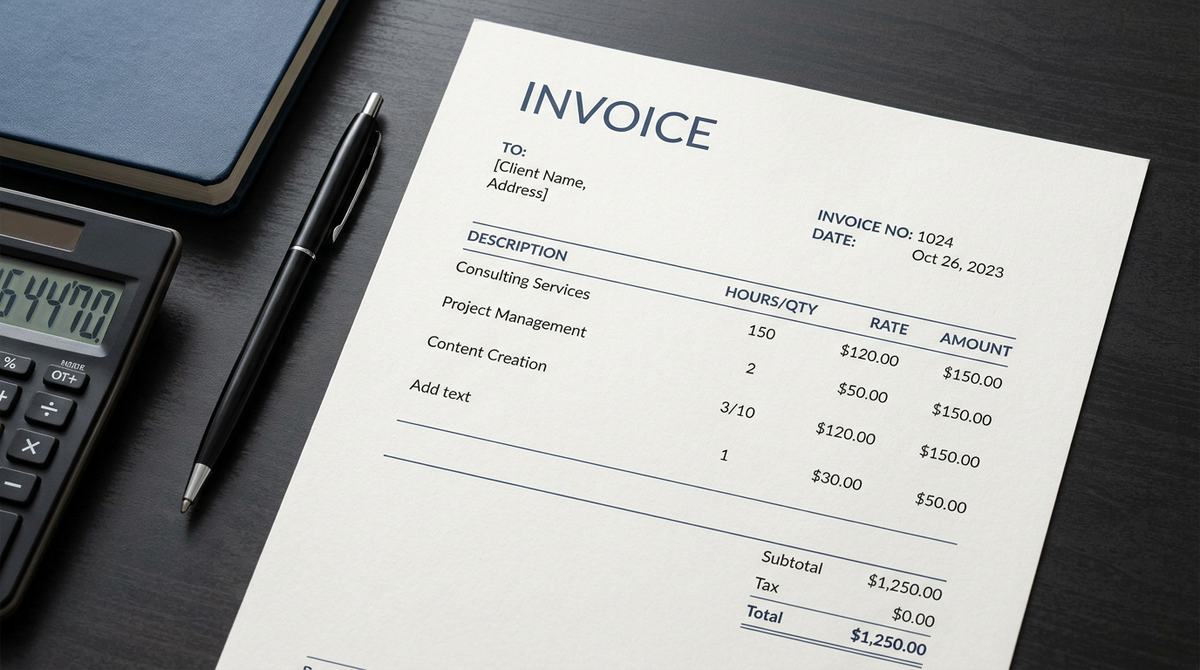
A good invoice does one thing: it makes it easy for your client to pay you without asking a single question. Every missing detail is a reason for a delay, and every delay is money you are waiting on. Here is everything a professional freelance invoice should contain, and why each part earns its place.
1. Your details
Your name or business name, your address or at least your city and country, and an email address or phone number. If you are registered for tax or VAT where you live, add your tax number. Some countries require it on every invoice, so check what applies to you.
If you work under a business name, use it consistently. The name on the invoice should match the name on the account the client will be paying into, otherwise their finance team may query it.
2. Your client's details
The client's name or company name, and their address if they need it for their own accounts. Get the legal name exactly right. A company that checks invoices against purchase orders can reject one that is slightly off, and you lose a week.
If you were given a purchase order (PO) number or a reference, put it on the invoice. Larger companies often will not pay without it.
3. A unique invoice number
Number your invoices in order, for example INV-001, INV-002. A unique number lets both of you refer to the same document in an email, and it keeps your own records tidy. Never reuse a number, and avoid gaps that you cannot explain.
4. Dates
- Invoice date: the day you issue it.
- Due date: the day you expect payment. Be specific, such as "due 15 November", not only "30 days".
A real calendar date is much harder to misread than "net 30", and it gives you something precise to refer to if you need to chase.
5. A clear description of the work
One line per item. "Logo design, three concepts and two revisions" is far better than "design work". If the client pays for time, show the hours and the rate. If it is a fixed price, say so. Clear descriptions also protect you in a dispute because they show exactly what was agreed.
6. Quantities, rates and totals
For each line show the quantity, the price per unit and the line total. Then show a subtotal, any discount, any tax, and the final amount due. Make the total the most obvious number on the page.
Example. Website design, 1 × $1,200 = $1,200. Mobile layouts, 1 × $400 = $400. Subtotal $1,600. Discount (10%) −$160. Total due $1,440.
7. The currency
State which currency the invoice is in, especially when you work with clients abroad. If the client pays in a different currency from yours, agree up front who covers conversion and transfer fees, and note it on the invoice.
8. How to pay you
Add your bank details or a payment link, and include everything needed: bank name, account holder name, account number or IBAN, and a SWIFT or BIC code for international transfers. If you accept more than one method, list them in order of your preference.
9. Payment terms and a short note
State your terms plainly, such as "Payment due within 14 days of the invoice date." If you charge a late fee, mention it, but check that it is allowed where you work and that the client agreed to it beforehand. A short thank-you line costs nothing and keeps the tone friendly.
10. Tax, where it applies
If you charge sales tax, VAT or GST, show it as its own line with the rate, and show the amount before and after tax. If you do not charge tax, some countries expect a short statement of why. Rules differ a lot by place, so confirm yours with a local accountant or your tax authority.
Optional extras that help
- Your logo and a consistent layout, so the invoice looks like part of your brand.
- A project name or reference so the client's accounts team can file it quickly.
- A signature for a personal, finished touch.
- Notes for anything unusual, such as a deposit already paid.
A quick pre-send check
- Is the client's name spelled correctly?
- Is the invoice number new?
- Is the due date a real date?
- Do the totals add up?
- Can the client pay you using only what is on the page?
If you can say yes to all five, send it. Then keep a copy, because you will want it at tax time.
You can build one in a couple of minutes with the free invoice generator on this site, or save every client and invoice in the FreelanceDesk app.
Make your next one in minutes.
Create a free invoice or quotation in your browser, or get the FreelanceDesk app to handle clients, payments and income.